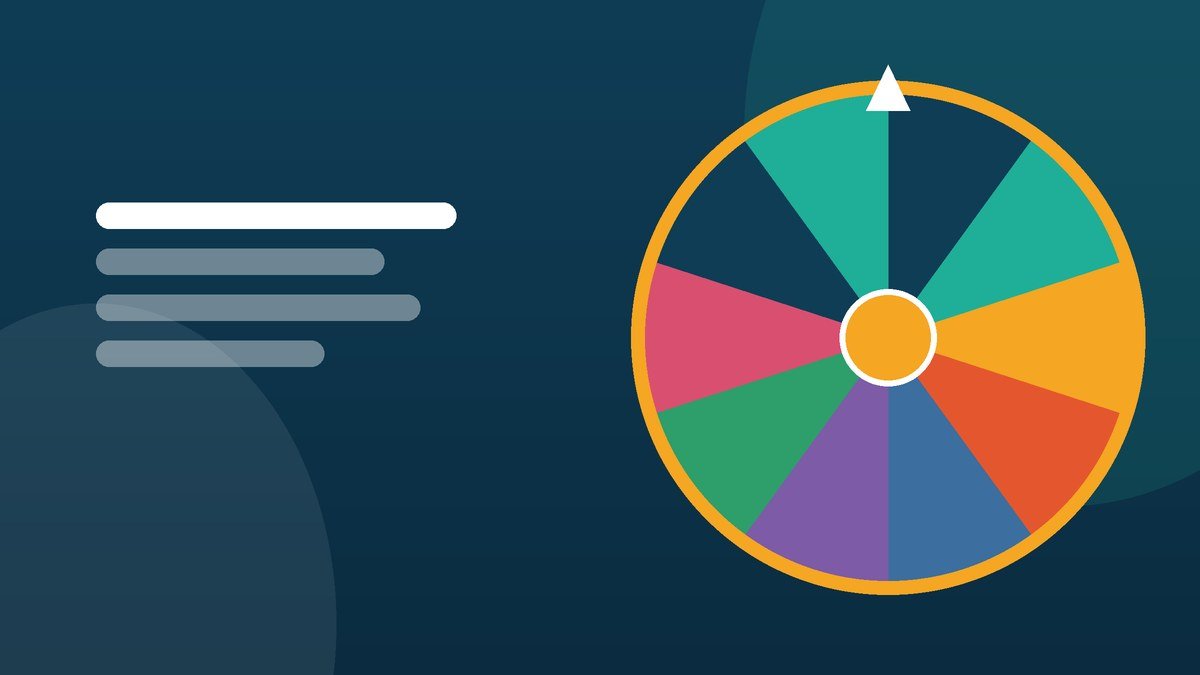
A practical guide to cold-calling with a name wheel: the routines that raise participation, the mistakes that raise anxiety, and how to set it up in under a minute.
Why teachers reach for a wheel
Ask a question to a full class and the same four hands go up. Pick a student yourself and you carry every unconscious bias you have — who sits near the front, who looked away, who you spoke to yesterday. A random name picker cuts that knot. The class sees a wheel slow down, the pointer stops, and nobody can argue that the teacher had a favourite.
The research on cold-calling is encouraging but conditional. Calling on students who did not volunteer raises overall participation and improves recall, provided the classroom feels safe enough that being picked is not a punishment. The wheel handles the fairness. The routine you build around it handles the safety.
Setting it up in under a minute
- Open the wheel spinner and paste your class list into the Entries box, one name per line.
- Shorten names to a first name plus an initial so they stay readable from the back row.
- Open Settings and choose a spin length of three or four seconds — long enough for drama, short enough to keep a lesson moving.
- Press "Download .txt" once. Next lesson, upload the same file instead of retyping the register.
If your room has an interactive panel or projector, use fullscreen mode. The wheel takes the whole display and the names stay legible at the back.
Two settings worth knowing
Remove winner after each spin turns the wheel into a draw without replacement. Every student is called exactly once before anyone repeats, which is what you want for a round of answers or for handing out roles.
Hide names on the wheel blanks the segments. Useful when you are drawing something sensitive — who presents first, who gets the last spot on a trip — and you would rather not display the shortlist to the room.
Routines that make cold-calling work
Give thinking time before the spin
Pose the question, wait ten to fifteen seconds, then spin. Everyone rehearses an answer because anyone could be next. Spin first and you get one student thinking and twenty-nine relieved.
Let a pass be a real option
Agree a phrase — "come back to me" — that a student can use once per lesson without comment. Participation goes up when refusal is not humiliating, and the students who use the pass are usually the ones who most need the routine to feel safe.
Spin for tasks, not just answers
The wheel is more than a question machine. Use it to pick who reads next, which group presents first, the order of a carousel activity, who demonstrates on the board, or which of six revision topics the class starts with. Put the topics on the wheel instead of the names and the same tool covers a different job. There are more ideas in ten ways to raise classroom participation.
Do not use it for consequences
Never let a spin decide who gets a detention, who loses a privilege, or who is publicly wrong. Once the wheel is associated with punishment, every spin raises the temperature of the room and the tool stops helping. Keep it firmly attached to participation and rewards.
Answering the "that's not fair" moment
Somebody will be picked twice in a row, and somebody will say the wheel is rigged. Two responses work well. The first is mathematical: with 30 names, each name has a 1 in 30 chance on every spin, and the wheel has no memory of the last one, so back-to-back picks are ordinary rather than suspicious. The second is practical: switch on "remove winner" and show the class that the segment disappears. If you want the full explanation, how random is a spinning wheel lays out the maths, and wheel vs dice vs coin flip compares it with the alternatives.
A note on student names and privacy
Class registers are personal data almost everywhere, so it is worth knowing where they go. Everything typed on this wheel stays in the browser on your own machine — no upload, no server copy, no account. That is a genuinely different arrangement from tools that sync your lists to a cloud profile, and it is the first question to ask of any classroom website. Our checklist for that is in choosing privacy-first classroom tools.
Start here
Paste your register into the name wheel, set a three-second spin, and try it for one round of questions tomorrow. Most teachers keep it for the questioning routine and then quietly start using it for everything else in the lesson.
Try it while it is fresh
The wheel is free, needs no account, and keeps your list in your own browser.