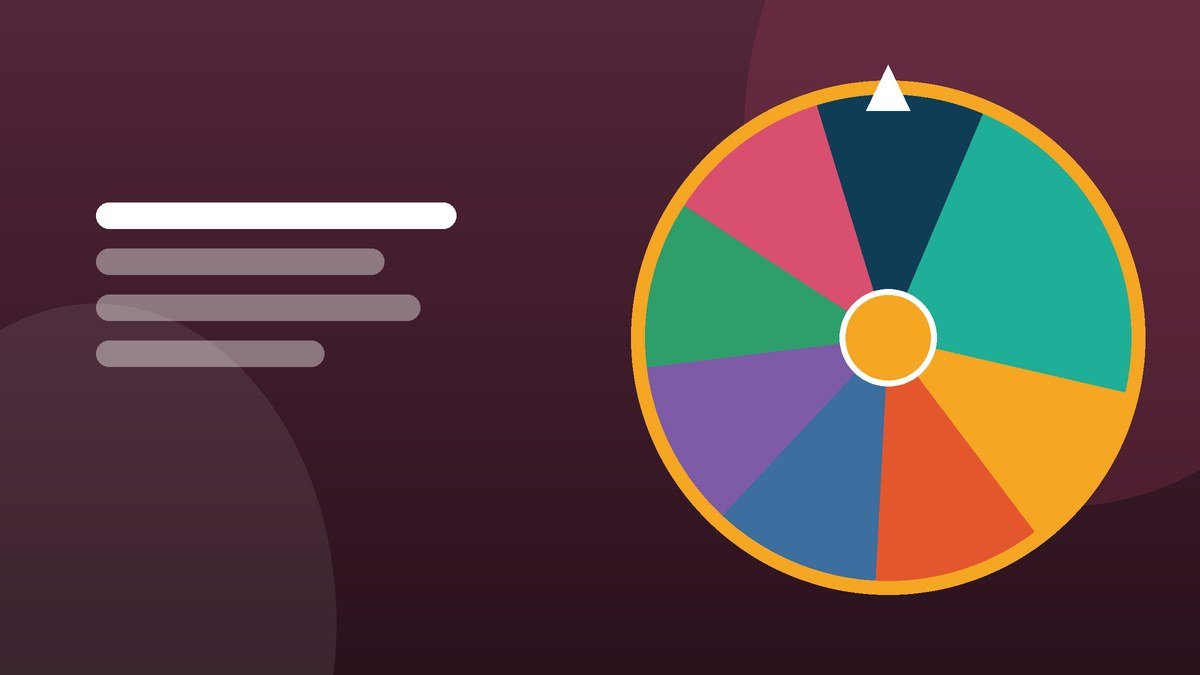
Stand prizes, session giveaways and stage draws: how to run a wheel in front of a live audience without the technical wobbles.
What changes when the audience is in the room
Online, a draw needs to be verifiable. In a room, it needs to be visible — legible from the back, loud enough over the noise, and quick enough that the crowd does not drift. The wheel is the same tool, but the setup deserves five minutes of preparation.
Setting up on the stand
Screen and distance
Work out the furthest viewing distance and keep names short enough to read from it. On a 55-inch screen at eight metres, a first name plus initial is comfortable; a full company name is not. Fullscreen mode gives the wheel the entire display.
Sound
A trade show floor is loud. If you have an audio feed, keep the wheel's sound on — the ticking cuts through better than a voice does. If you cannot get audio, turn sound off in Settings and lean on the confetti and the popup instead.
Contrast and lighting
Exhibition lighting washes out mid-tones. Citrus is the safest palette under bright lights; Harbour looks best on a controlled stage screen. Test on the actual display before the doors open, not on your laptop.
Have an offline plan
Venue wifi fails constantly. Load the wheel page before the event and leave the tab open — once loaded it keeps working, because the draw runs in the browser rather than on a server. Also keep a printed list and a pen as a genuine backup.
Collecting entries at a stand
- Badge scans. Export at the end of the day, paste the names in, draw at a fixed time and announce it in advance so people come back.
- Paper slips. Fine, but transcribe them into the wheel so the room can see the entry count.
- Session attendees. For a talk, put attendee first names on the wheel and draw at the end. It keeps people in their seats for the summary.
Whatever you collect, tell people at the point of entry what the data will be used for. A stand draw is not a licence to add everyone to a mailing list.
Running the moment
- State the prize and the entry count.
- Set a ten-second spin — on a stage, the pause is part of the show.
- Spin once. Never re-spin because the winner has already left.
- For multiple prizes, switch on "remove winner after each spin" so nobody wins twice.
- Have someone photograph the screen at the moment of the reveal. It is the post you publish that evening.
Beyond prize draws
The same wheel handles a surprising amount of event logistics: picking which audience question gets answered, choosing the order of lightning talks, allocating demo slots, or selecting a table for the next activity. Replace names with whatever the options are and spin. Teams use the same trick internally — see team-building games that run on a wheel.
Related reading
For the process that makes a paid draw defensible, read running a raffle people actually trust. For streamed draws, see drawing giveaway winners live. And if an attendee asks how the result is generated, how random is a spinning wheel has the answer.
Try it while it is fresh
The wheel is free, needs no account, and keeps your list in your own browser.